
pnpm dlx dreamy add imageImage contains bunch of helpful props to make it easier to use. Provide a fallbackSrc to show a backup image if the main image fails to load.
Photos by Alex Padurariu and Piotr Musioł on Unsplash

<Image
  src="https://dreamy-ui.com/coffee-n-cookies.webp"
  alt="Coffee and cookies"
  fallbackSrc="https://via.placeholder.com/250x164"
  w="250px"
  rounded="lg"
/>Use zoomOnHover to zoom in the image on hover.
<Image
  src="https://dreamy-ui.com/coffee-n-cookies.webp"
  alt="Coffee and cookies"
  fallbackSrc="https://via.placeholder.com/250x164"
  w="250px"
  rounded="lg"
  zoomOnHover
/> Use blurShadow to add a blurred shadow to the image.
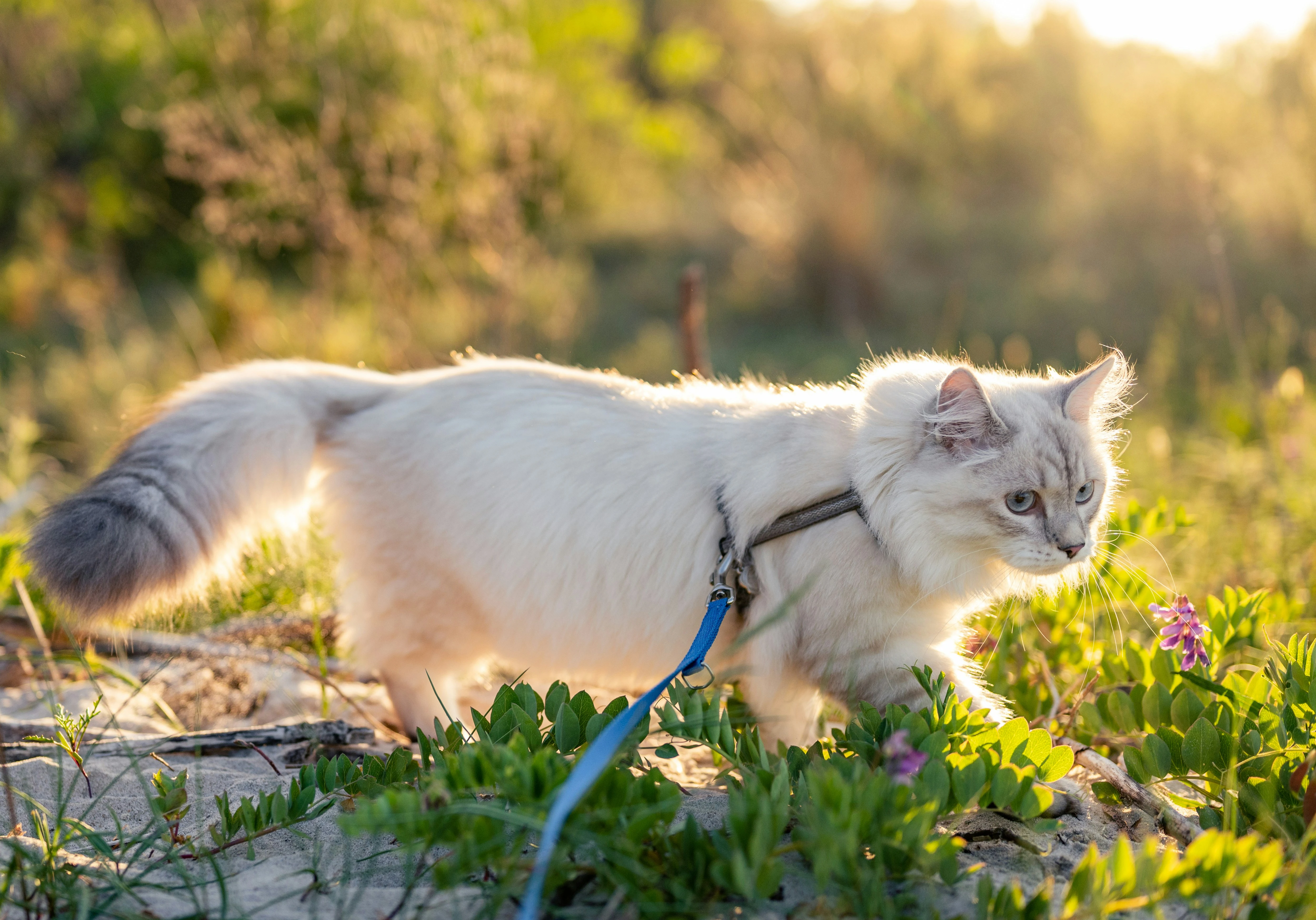
<Image
  src="https://dreamy-ui.com/outdoor-cat.webp"
  alt="Outdoor cat"
  fallbackSrc="https://via.placeholder.com/250x164"
  w="250px"
  rounded="lg"
  blurShadow
/>You can use zoomOptions and blurOptions to modify the zoom and blur options.
<Image
  src="https://dreamy-ui.com/outdoor-cat.webp"
  alt="Outdoor cat"
  fallbackSrc="https://via.placeholder.com/250x164"
  w="250px"
  rounded="lg"
  blurShadow
  blurOptions={{
    scale: 1.1,
    radius: "15px",
    opacity: 0.5
  }}
  zoomOnHover
  zoomOptions={{
    scale: 1.2,
    duration: "0.5s"
  }}
/>